What type of questions can be added using the form builder?
- Annu
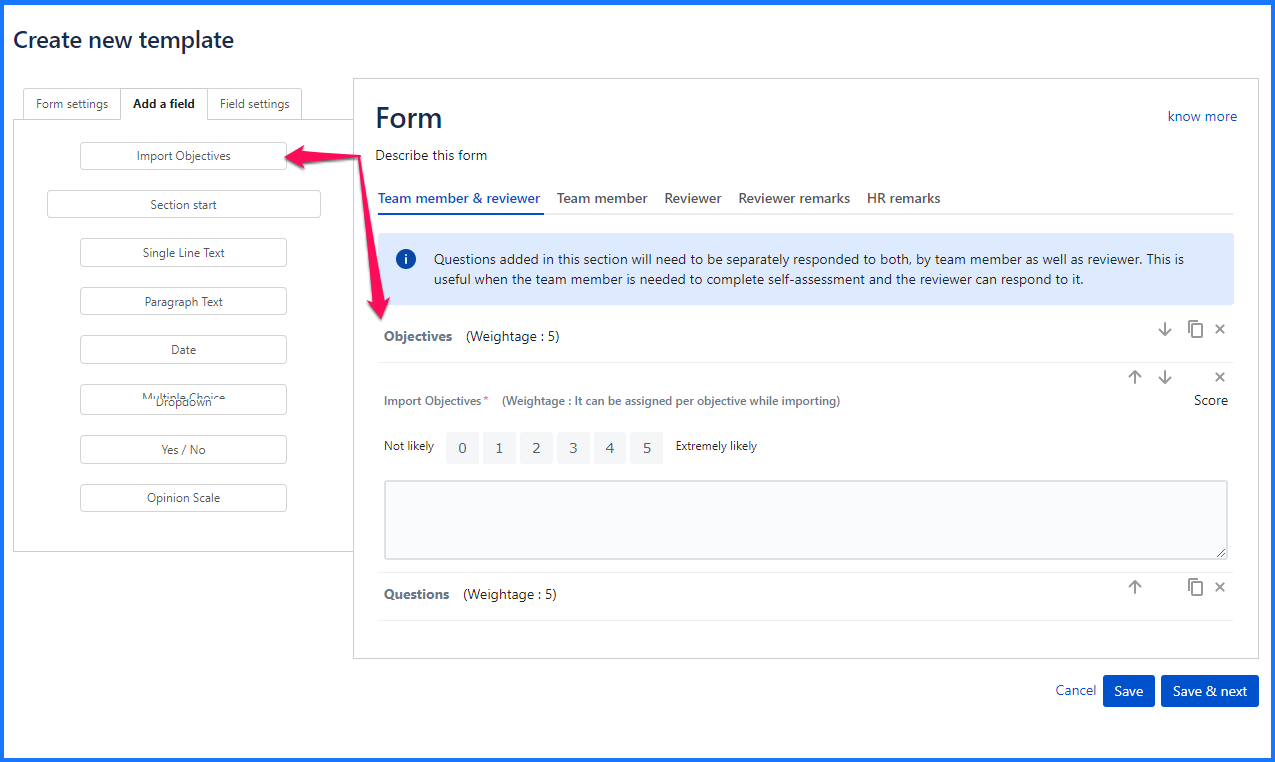
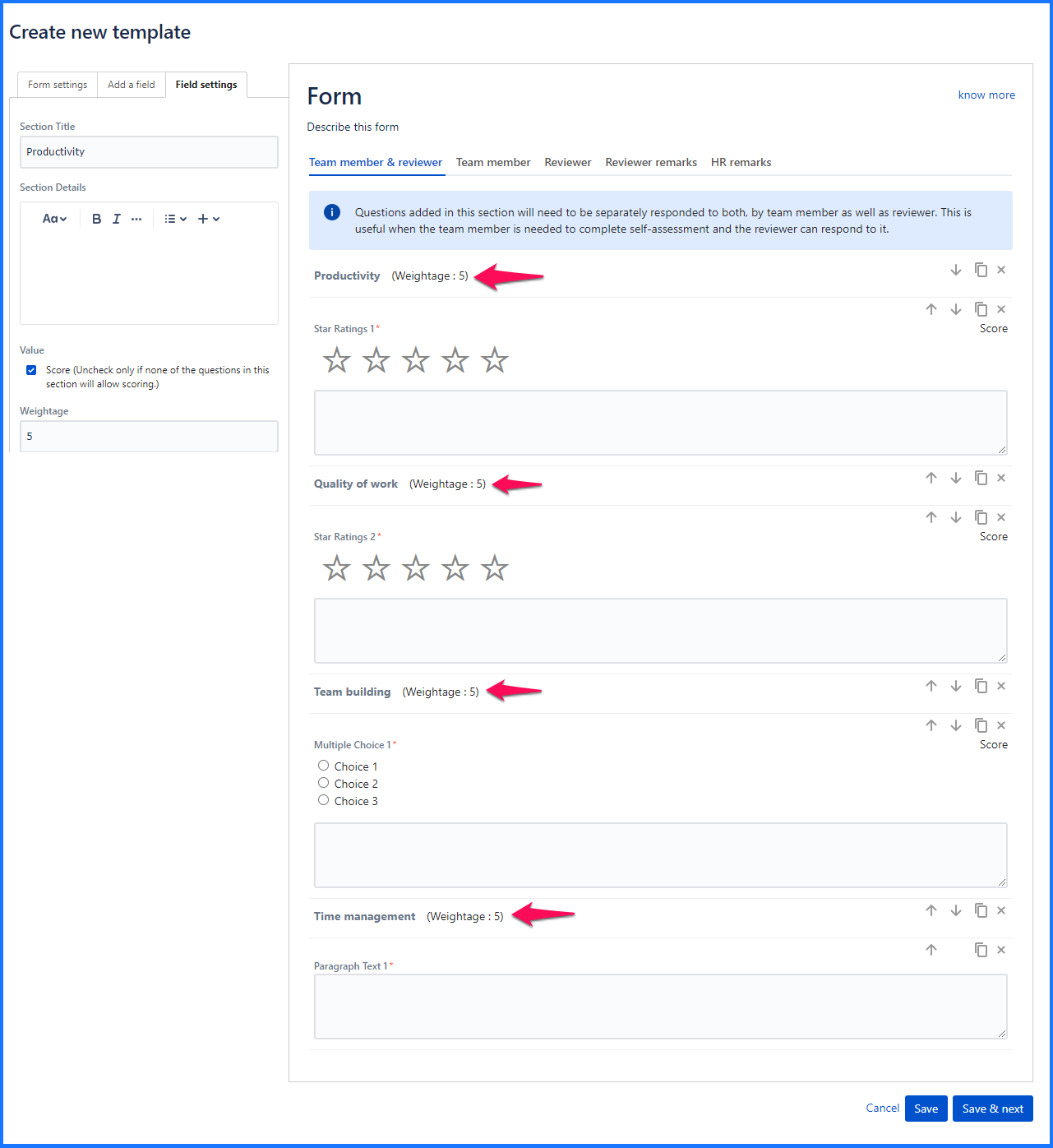
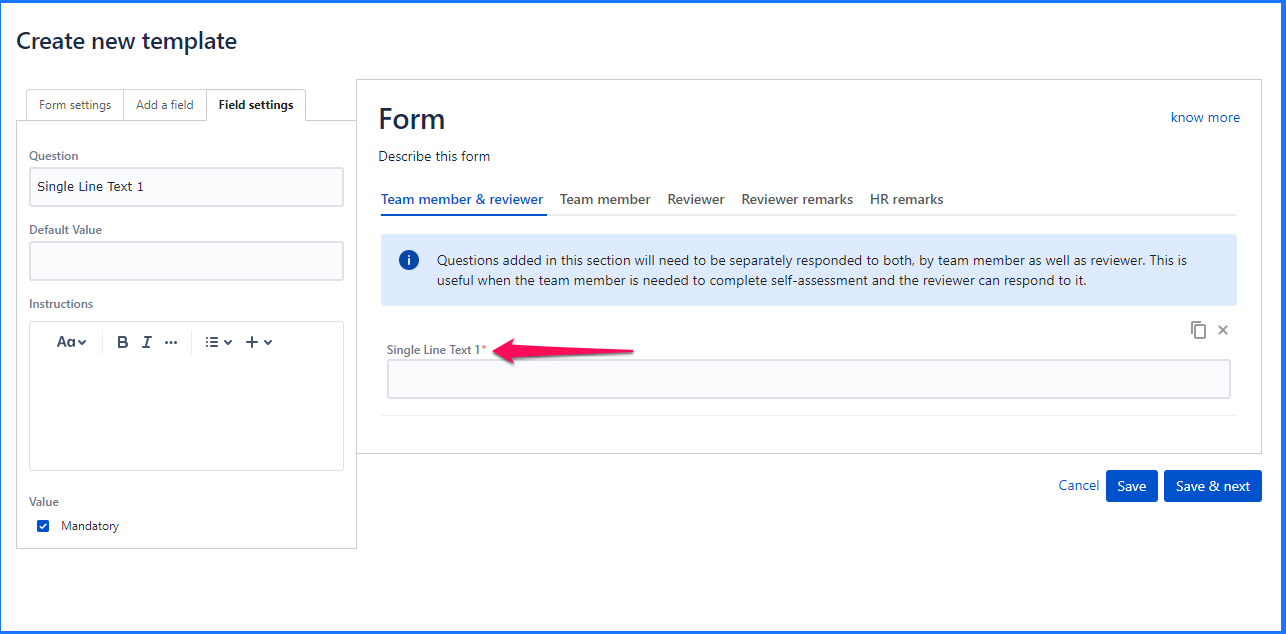
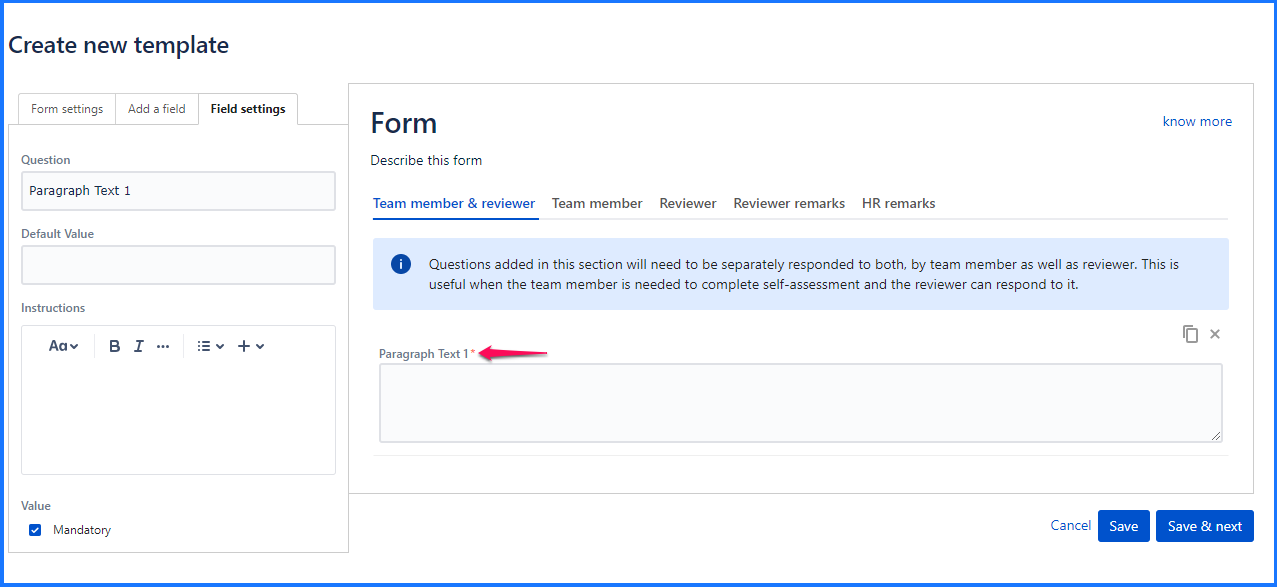
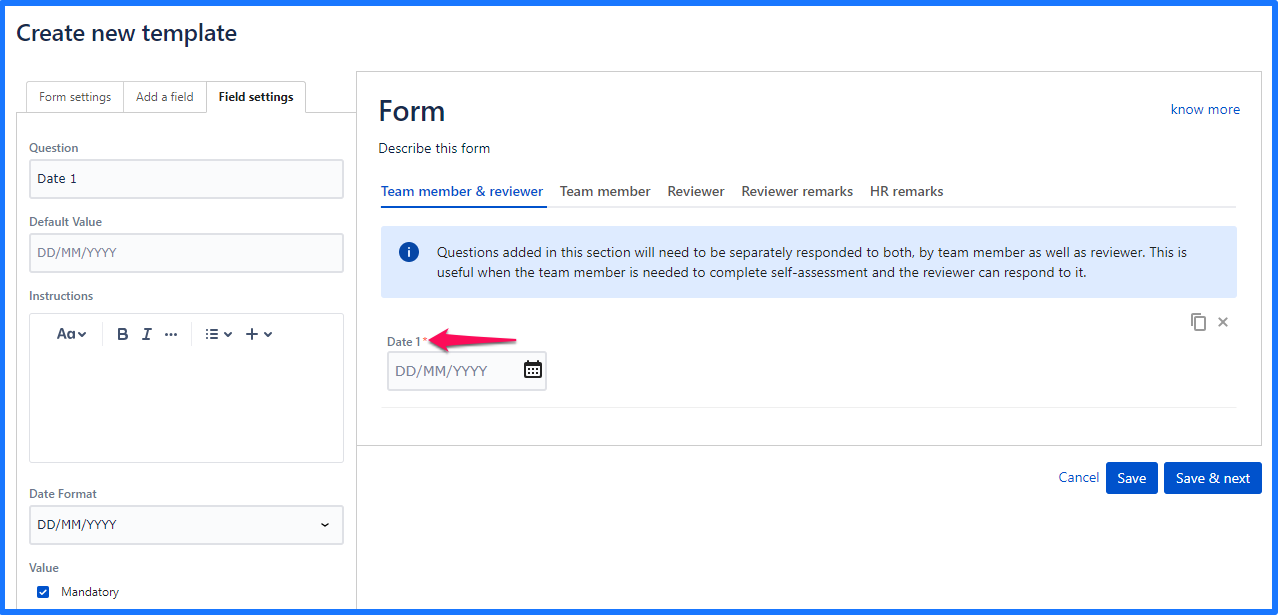
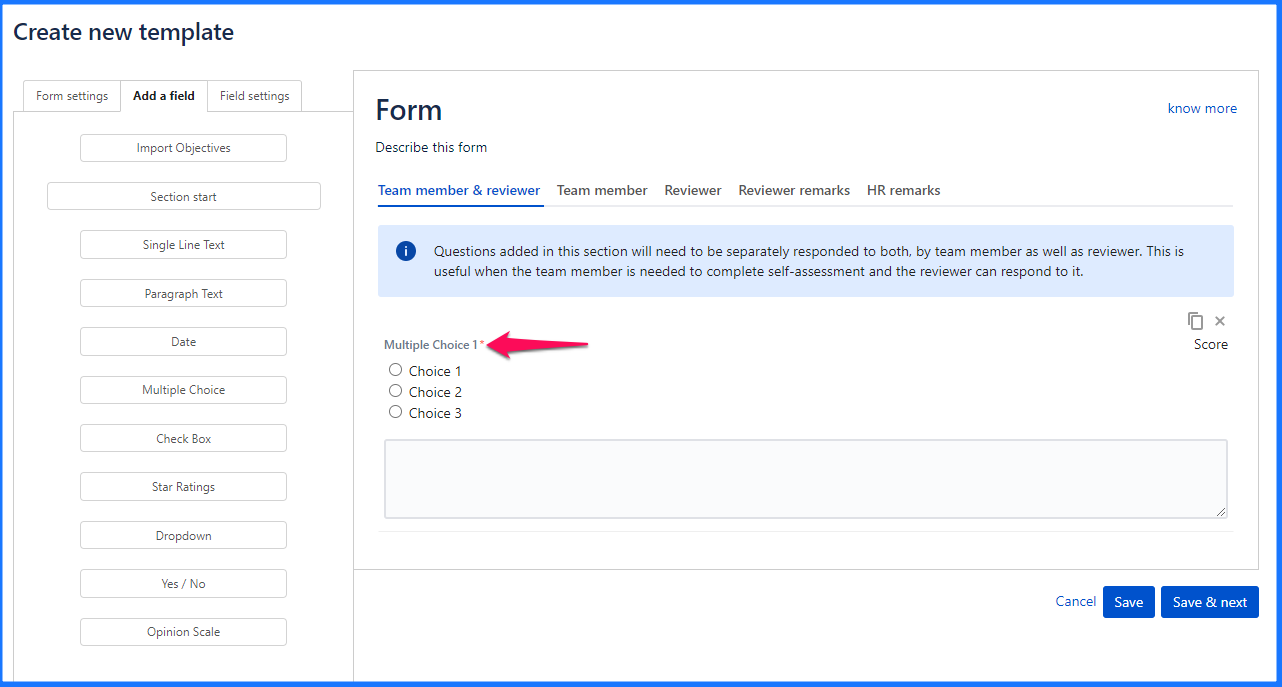
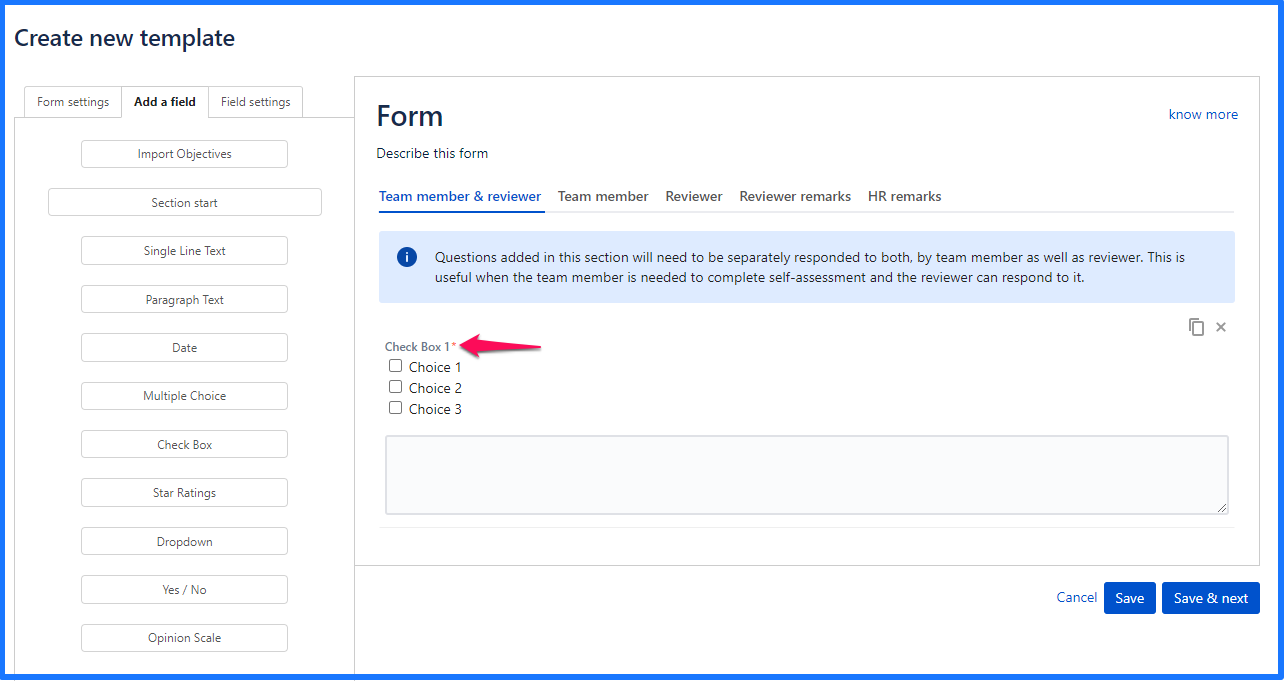
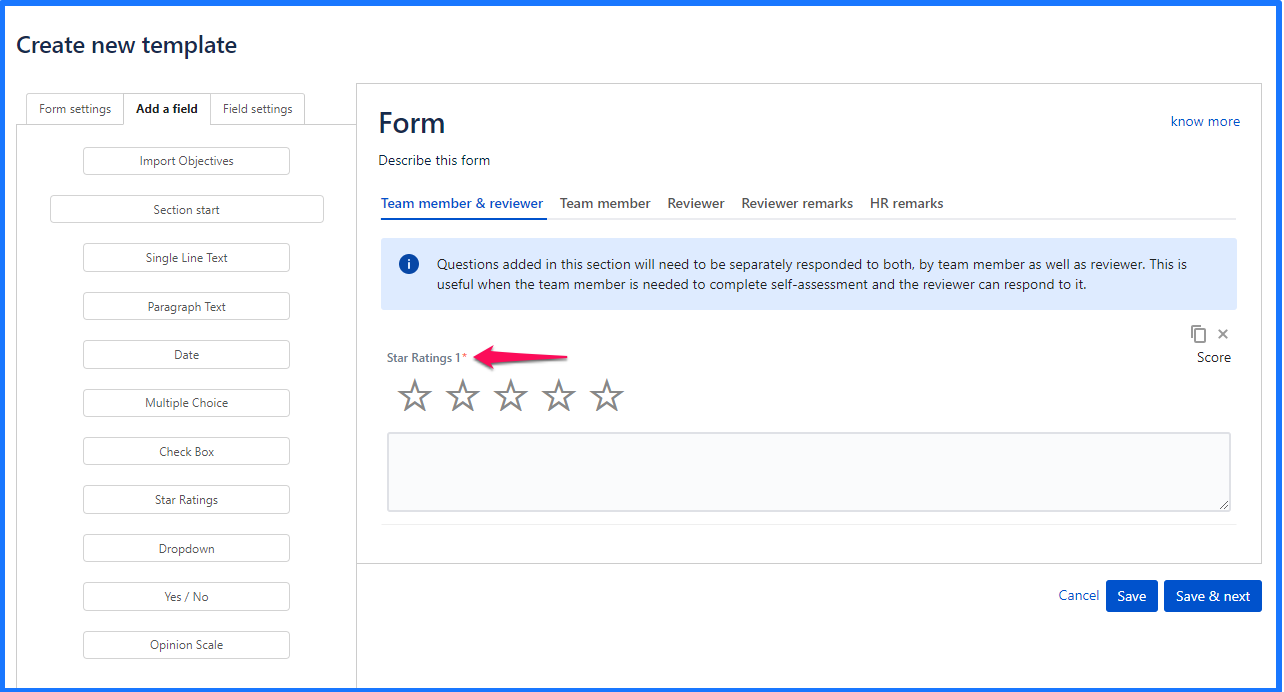
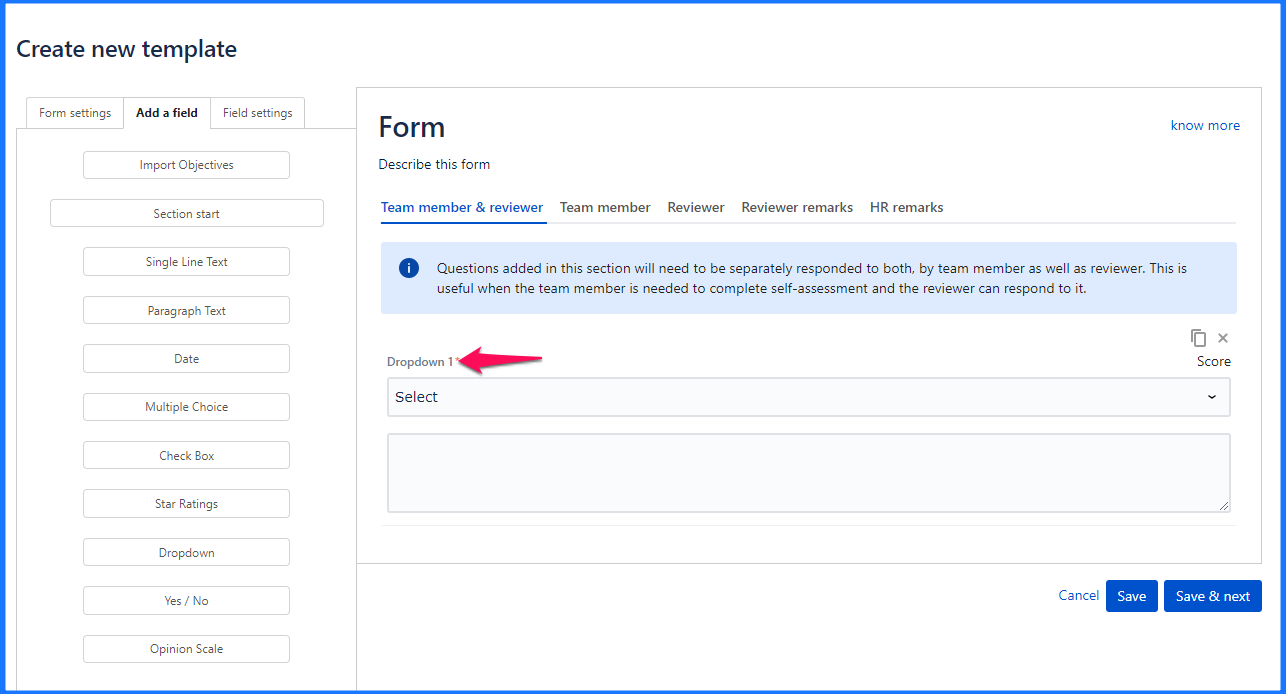
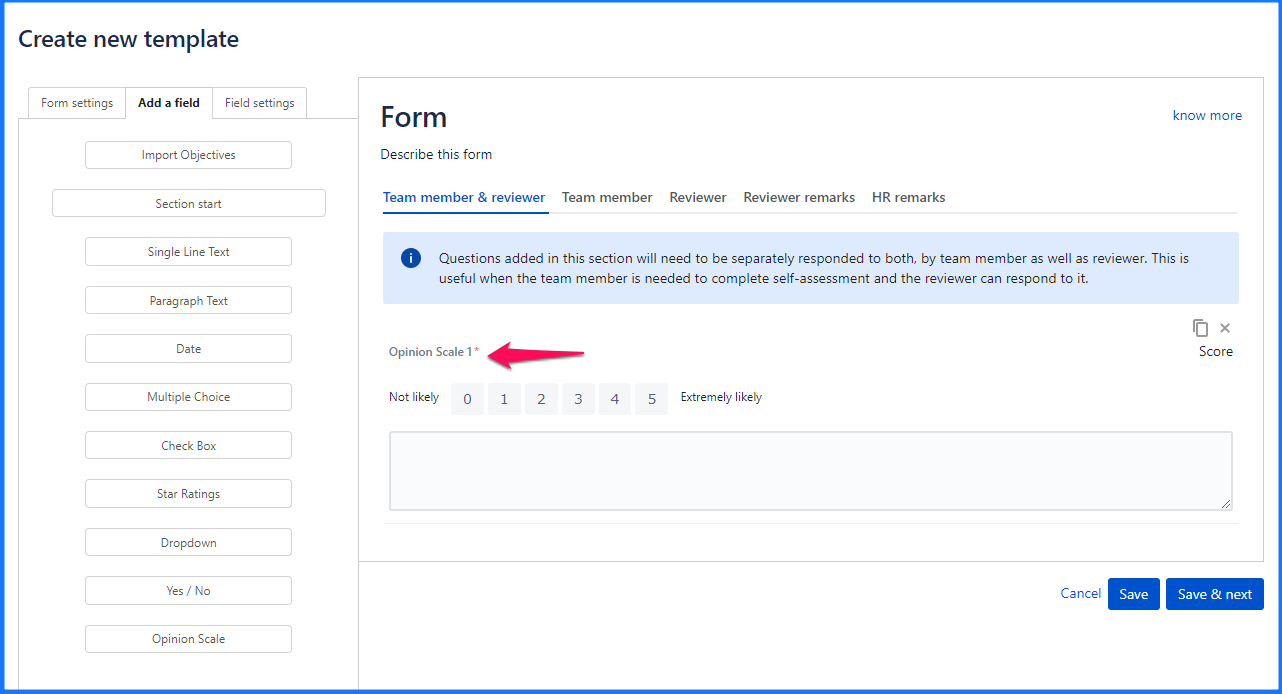
In all types of UpRaise form templates, following question types are allowed. This give a complete flexibility over designing the template. Apart from some general question types, UpRaise includes some unique question types like sections, OKR import explained below. Not a question type, but it helps to import OKRs of a team member in the review form. While creating a template, if this import OKRs option is added, reviewer of the form will have an opportunity to import team member's OKRs in that form and weigh them so both team member and reviewer and grade/rate those objectives. Import OKRs option is available only for Self and manager template Again, not a question type, but it certainly helps in designing a structured questionnaire with weighted sections. Add any type of questions in these sections, make these sections scorable and get section wise score on different values, skills, etc. It has 4 customizable settings - Title & Section Details, Scores & Weightage. Read How to create section wise weighted forms? for more details. Use this question when the expected answer is short. It has 4 customizable settings - Question, Default Value, Instructions, Mandatory. Use this type when the question should be answered in at least a couple of lines. It has the same 4 customizable settings as that of the single line text - Question, Default Value, Instructions, Mandatory. Use this type when the answer is expected to be any date. It can be customized with settings like - Question, Default Value, Instructions, Date Format, Mandatory. Date format can be either of dd/mm/yyyy & mm/dd/yyyy. Use this type when the user is supposed to select one of the multiple options available. It has the following customizable settings - Question, Choices, Instructions, Mandatory, Score & Weightage, Add comment box. Use this type when there are more than one correct answers possible. Its customizable parameters are - Question, Choices, Instructions, Mandatory, Add comment box. Use this type when a rating type of answer is expected. Each of the stars has an associated label that is displayed while filling up the form. It has the following customizable settings - Question, Choices, Instructions, Mandatory, Score & Weightage, Add comment box. Use this type when the list of possible options is to be displayed in the form of a drop-down. Customisable settings include - Question, Choices, Instructions, Mandatory, Add comment box. When the intended answer has to be either Yes or No, use this question type. Possibility to customize include Question, Instructions, Mandatory & Add comment box. When the use case requires answers on a scale or range of values, use this question type. One can customize following parameters - Question, Range of numbers, Labels for the extreme values, Instructions, Mandatory, Score & Weightage, Add Comment Box & Start scale at one (by default the range starts from 0, check this to start it from 1 instead).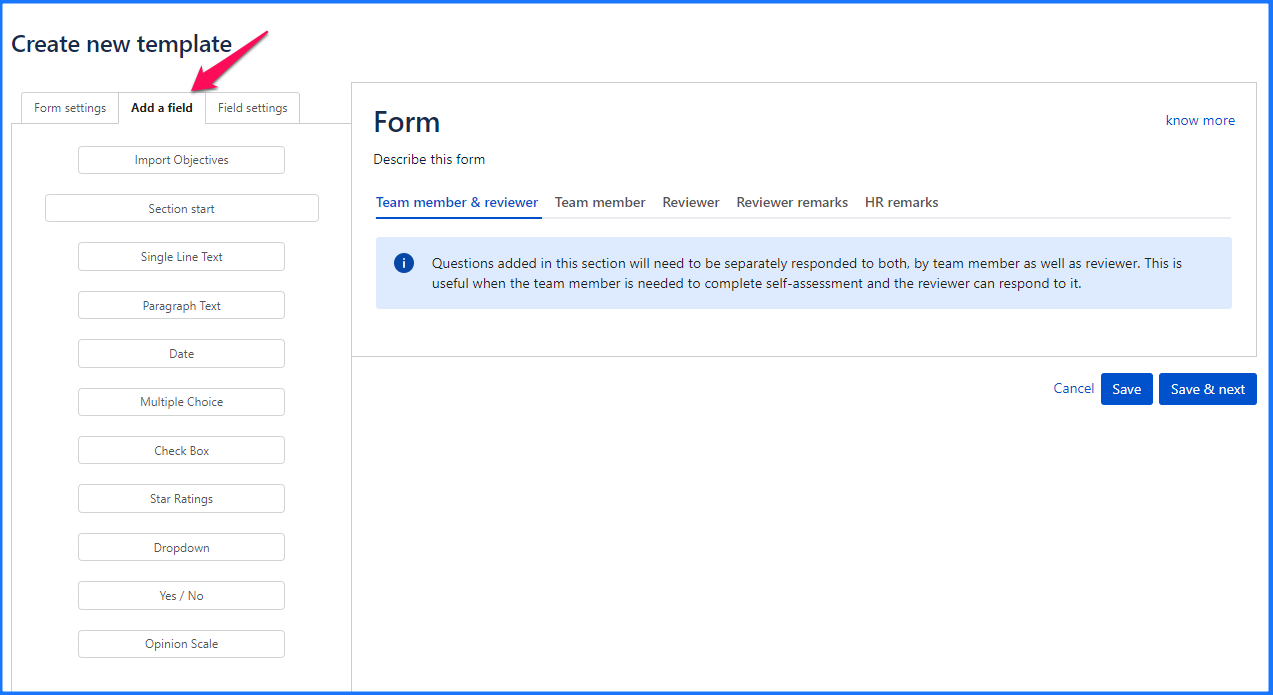
Import OKRs
Section start
Single line text
Paragraph text
Date
Multiple choice
Checkbox
Star ratings
Drop-down
Yes/No
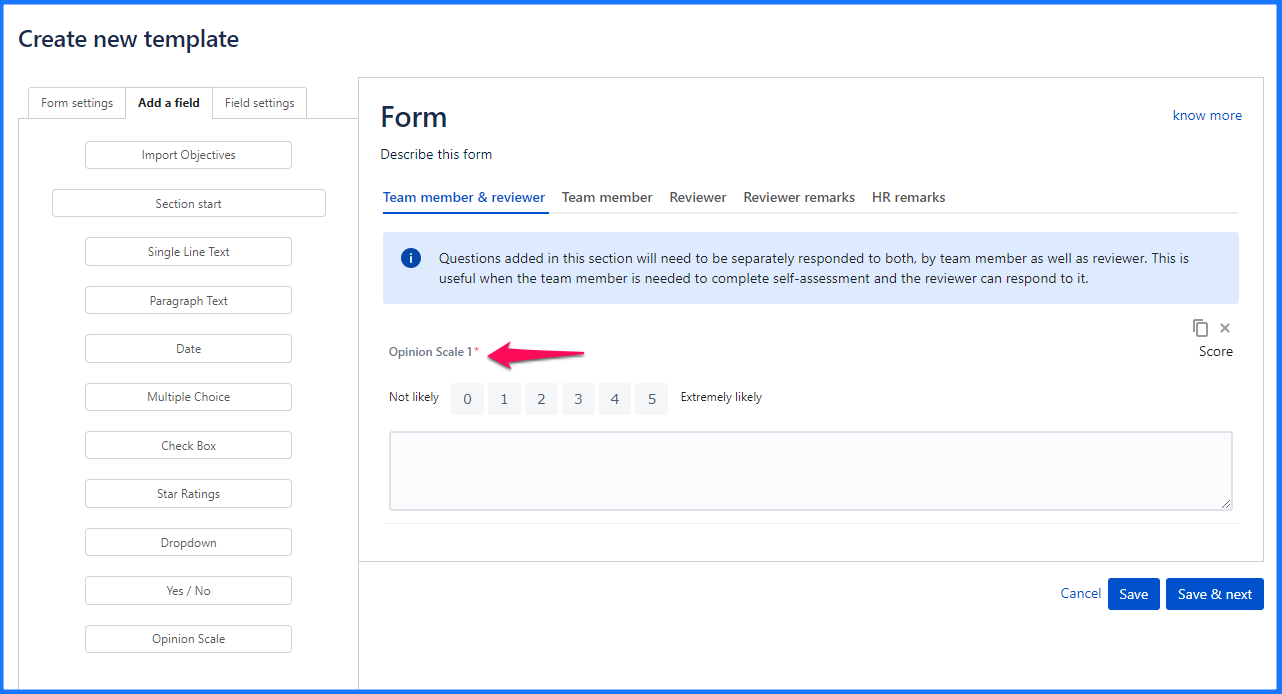
Opinion scale
On this page
In this section
- Concepts - Review Forms, Templates, Distributions, Workflows
- How can I delete a distribution?
- How can I schedule a distribution?
- How do I create, edit & delete a template?
- How to print a completed form?
- How to add email reminders while distributing a form?
- Where to check number of distributions and their statuses?
- How to create section wise weighted forms?
- How to use the form builder?
- What are the open, close actions on a distribution?
- What are the different statuses of a distribution?
- What type of questions can be added using the form builder?
- How to extend the due date of the distribution?
- How to clone a template?
- How to export the distribution to Excel?
- How to rename a template?
- How to categorize a template?